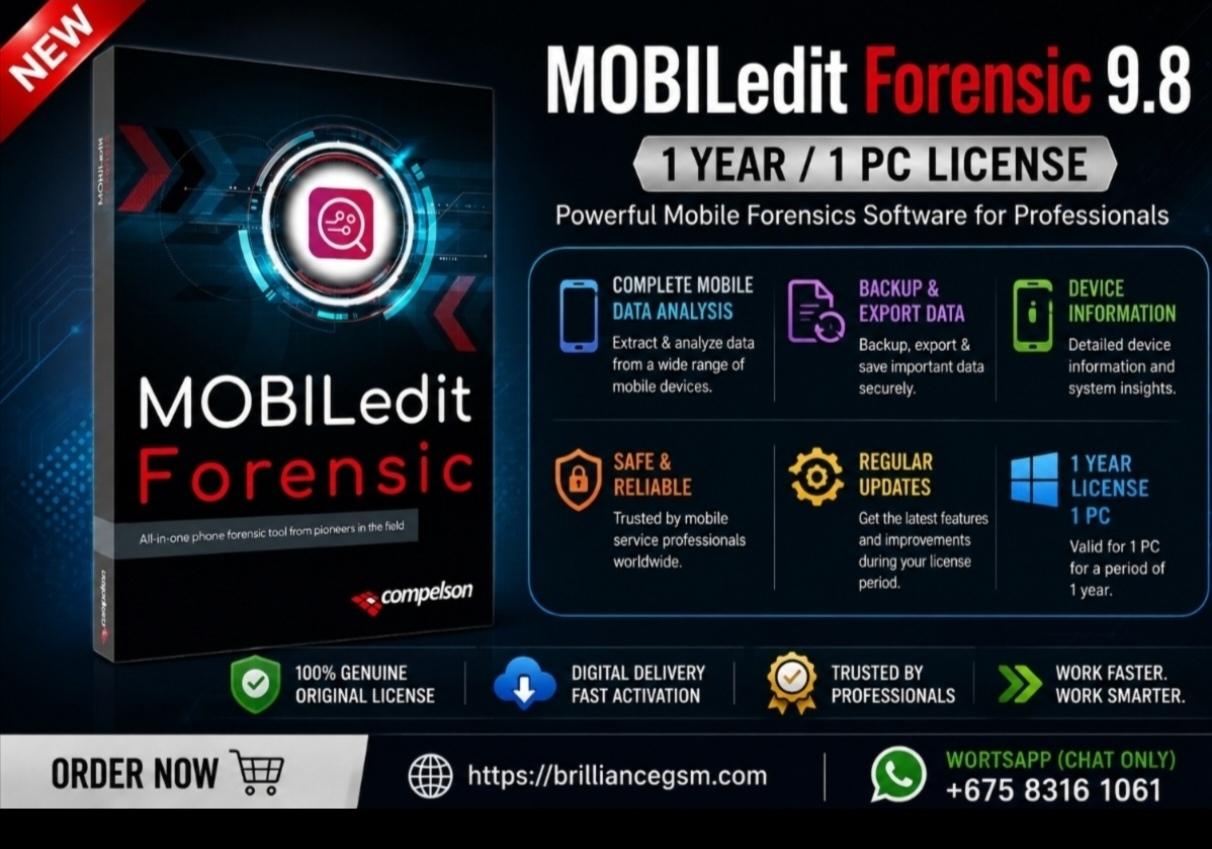
MOBILedit Forensic 9.8 - 12-Month Professional Digital Forensics License for 1 PC
🛠️ How to Complete Your Purchase & Remote Activation
We provide premium, hassle-free remote setup for this technical software. To activate MOBILedit Forensic 9.8 on your machine, please follow these simple steps:
Download the Software: Download and install the official UltraViewer software on your Windows laptop or PC.
Check Connection: Launch UltraViewer and ensure your PC is connected to a stable internet connection.
Provide Your Access Details: Note the ID and Password generated on your UltraViewer screen. Enter these exact details in the product fields above before Placing your order.
Enter your Name: Enter your name or the name of your Business so we'll register the name under your licence.
Remote Activation: Our specialist team at Brilliance GSM will securely connect to your computer via UltraViewer, handle the entire installation process, and deploy your 1-year license activation key.
🔒 Security Note: Your UltraViewer password changes every time you restart the application. Your connection remains completely private, secure, and under your control.
License Note: This is a 100% digital license valid for 1 PC for 1 Year. It features full access to the MOBILedit database updates for 12 months.